

1) Billing added to the self-serve cabinet
You can now manage billing directly in the Qi Ads self-serve experience — making onboarding and scaling smoother, especially for teams running multiple accounts.
2) New inventory added
We expanded available traffic sources to improve:
- Scale potential
- Cost efficiency
- Performance diversification (less dependency on a single source)
3) New Profile page
A new Profile section helps users manage:
- Account details
- Team access (if enabled)
- Platform preferences and settings
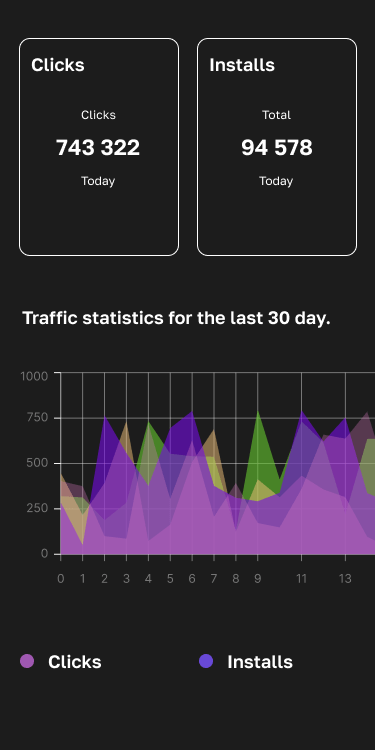
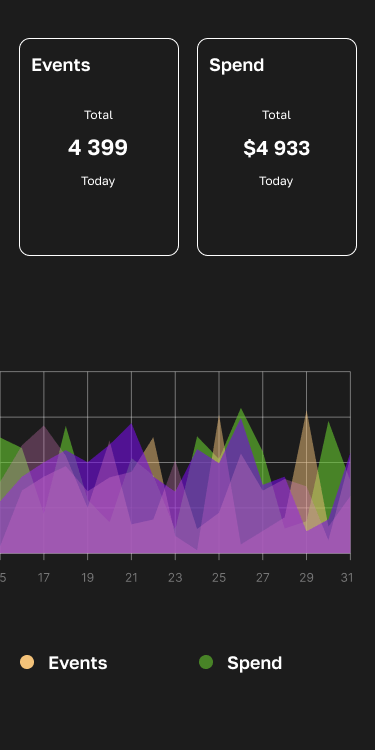
4) Reporting speed upgrade (clicks, impressions, installs, events)
We significantly improved the performance of analytics views. Reporting now loads faster across all key parameters:
- Clicks
- Impressions
- Installs
- Events
Why this matters: less waiting, faster decisions, and easier optimization during active flights.
Extra Qi Ads updates (to show active development)
Optional additions you can safely include as “recent improvements” (again, pick what’s true or keep phrasing softer as “we’ve also been improving”):
- UI/UX polish across campaign creation: fewer steps, clearer validation, better defaults
- Saved filters & custom columns in reports: analysts can work much faster
- Attribution-friendly tracking updates: cleaner macros/parameters and fewer integration edge cases
- Stability & uptime improvements: performance under load, caching, and queue optimization
- Audit log: see who changed what in the account (great for teams)